 PlayMaker
1
Review the active setup board
Scan current long and short ideas by price so important futures market levels, including high-of-day and low-of-day reactions, are easier to compare.
PlayMaker gives futures traders one place to review NQ futures reversal setups, manage order ideas, and study the results afterward.
Scan current long and short ideas by price so important futures market levels, including high-of-day and low-of-day reactions, are easier to compare.
Use the workflow to review the direction, nearby levels, stop size, and the strength of the setup before taking action on a possible market top or bottom.
Move filled ideas into the management area, keep notes, and track whether the setup is still behaving as expected.
Record wins, losses, break-even trades, max move, drawdown, and notes so progress can be reviewed over time.
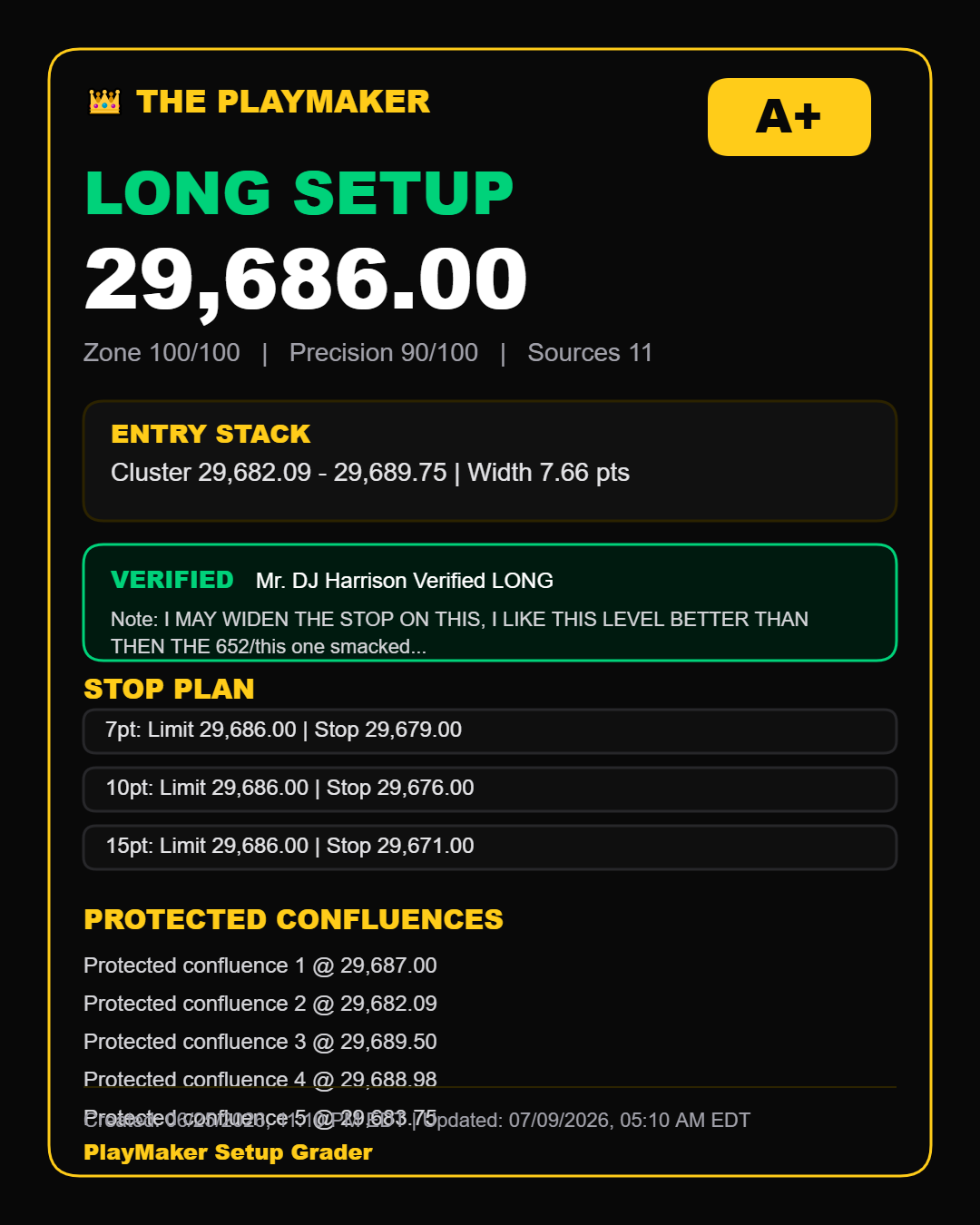
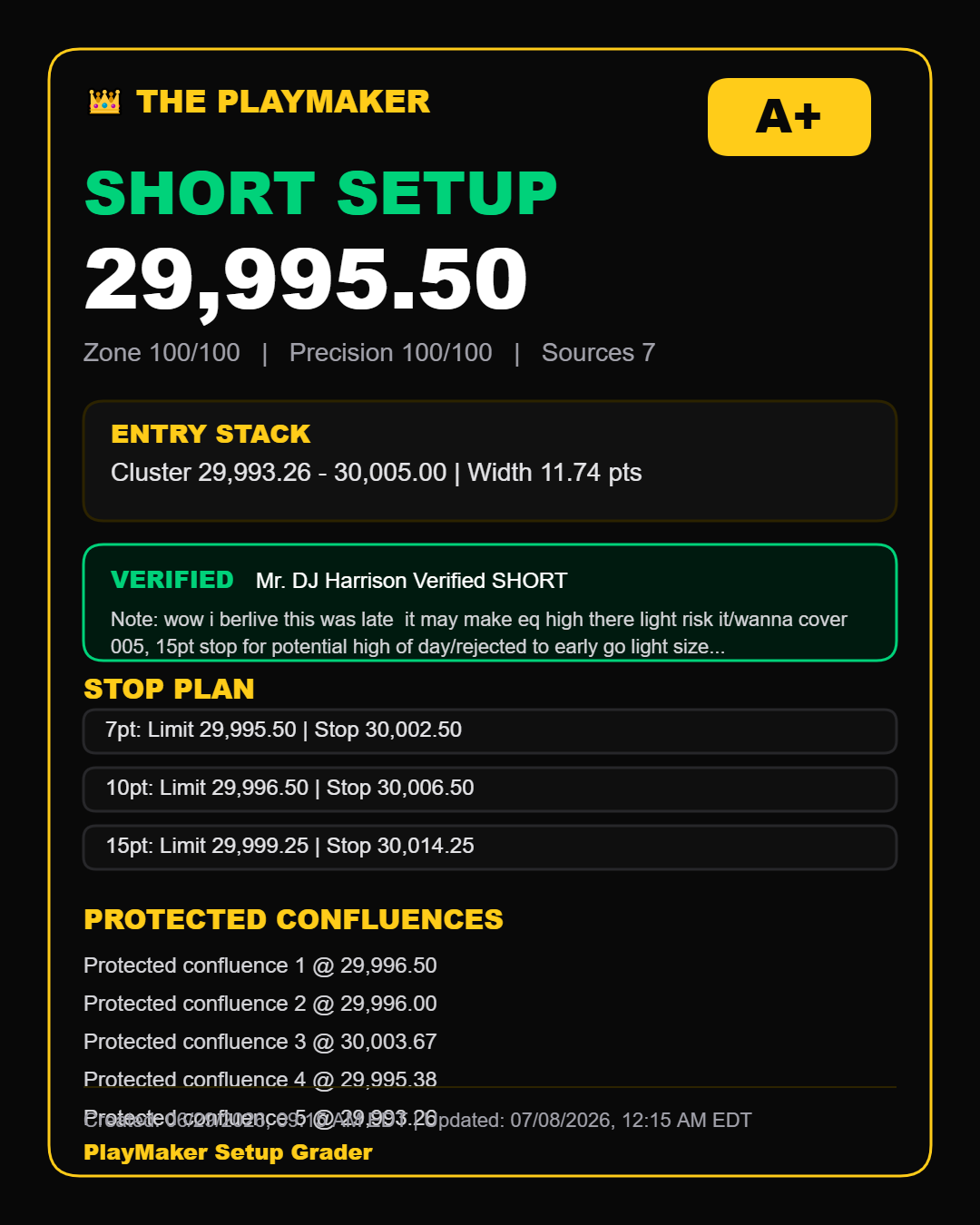
PlayMaker helps traders review direction, nearby levels, confluence, stop planning, and trade management before journaling the result.
Yes. PlayMaker includes language and workflow support for reviewing high-of-day, low-of-day, and NQ futures reversal setup areas.
A filled trade can be managed, noted, and later submitted into the trading journal so the result and lessons are saved.